In short
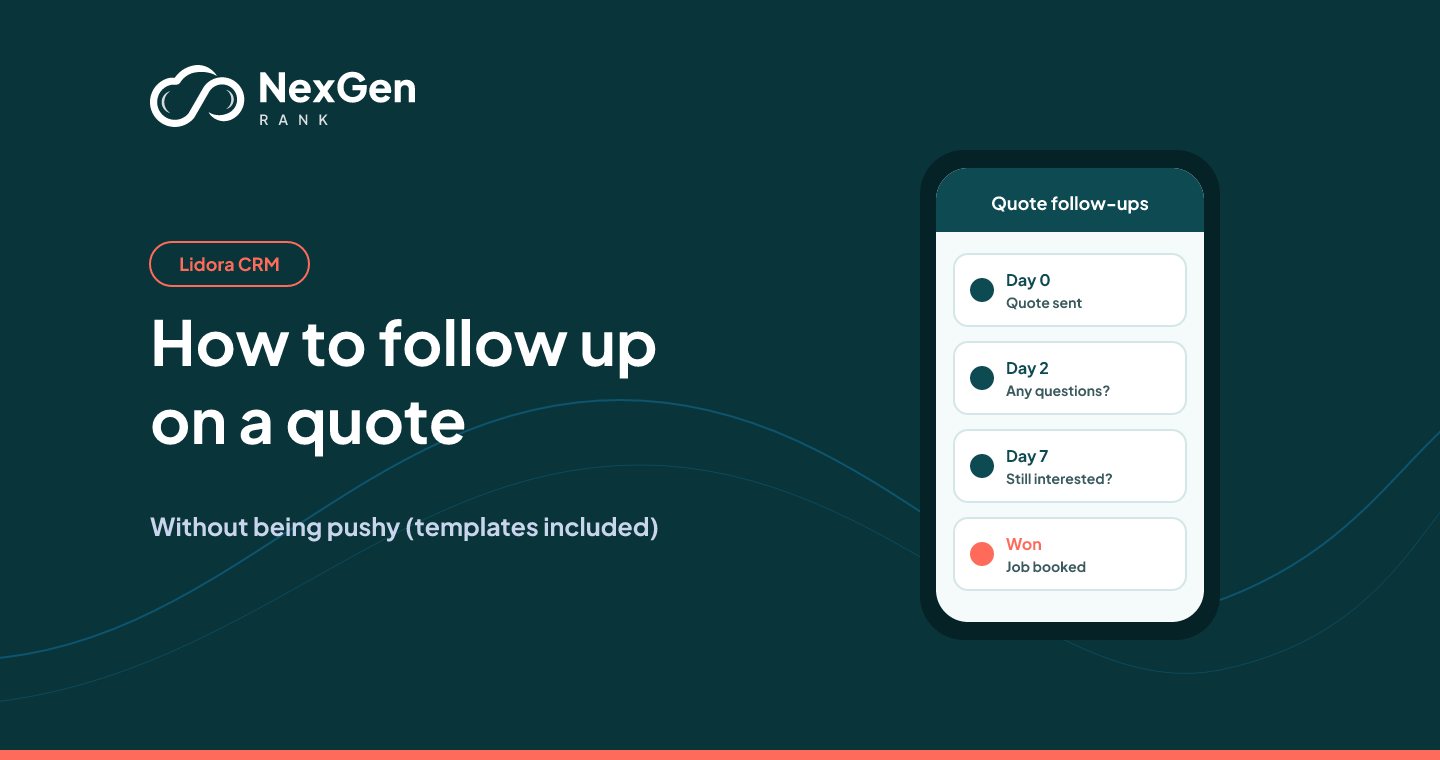
Follow up on a quote about two days after sending it, again after about a week, and close it kindly after about two weeks. Keep each message short, friendly and useful: offer to answer questions or hold a date, never pressure. Lidora CRM can send these quote follow-ups automatically, in your words, and you can try it free for 7 days with no card.
You visit, measure up, write a careful quote and send it. Then nothing. No yes, no no. Weeks later you wonder what happened.
Often, nothing happened. The customer got busy, meant to reply, or wanted to ask a question and never got round to it. A polite follow-up is not pushy; for many customers it is helpful. Here is how to do it well.
Why quotes go quiet
- The customer is busy and forgot.
- They have a question but feel awkward asking.
- They are waiting for other quotes.
- Their plans or timing changed.
- They chose someone else (and it is useful to know).
Only the last one is a real “no”. A follow-up helps with all the others.
When to follow up
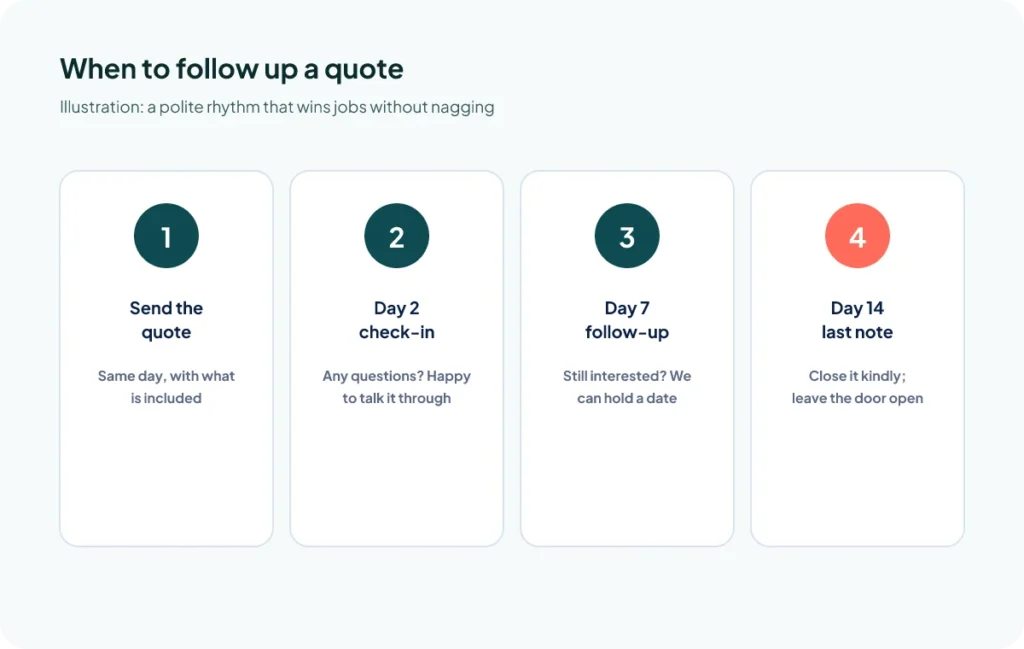
- Day 0: send the quote quickly, with what is included and how to accept.
- Day 2: a short check-in. Did they receive it? Any questions?
- Day 7: a gentle follow-up. Are they still planning the work? Offer a date.
- Day 14: a last, kind note that closes the loop and leaves the door open.
Adjust the timing for bigger jobs, which often take longer to decide on.
4 quote follow-up templates you can copy
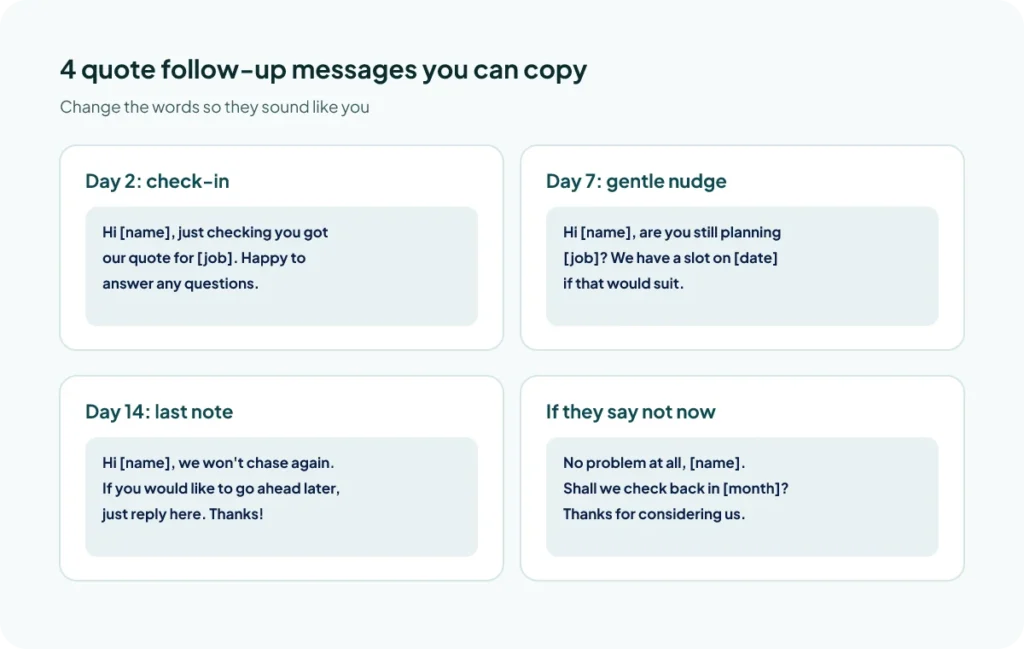
Day 2: check-in
Hi [name], just checking you received our quote for [job]. Happy to answer any questions or talk it through.
Day 7: gentle nudge
Hi [name], are you still planning [job]? We have a slot on [date] if that would suit. No pressure at all.
Day 14: last note
Hi [name], we won’t chase again. If you would like to go ahead later, just reply here. Thanks for considering us.
If they say “not now”
No problem at all, [name]. Shall we check back in [month]? Thanks for letting us know.
Tips for follow-ups that feel helpful, not pushy
- Be short. Two or three sentences.
- Use their name and the job. It shows you remember them.
- Offer something useful: an answer, a date, a photo of similar work.
- Use the channel they used: text, WhatsApp or email.
- Stop after the last note. Respect their decision.
- Ask why if they say no. Kindly. It helps you improve.
For more ready-made replies, see our WhatsApp templates for business enquiries.
The problem: remembering to do it
Everyone agrees follow-ups work. The trouble is doing it for every quote, every week, while running the business. Quotes live in emails, notebooks and phones, and the follow-ups slip. Read how missed calls and forgotten quotes cost local businesses jobs.
How Lidora CRM follows up for you
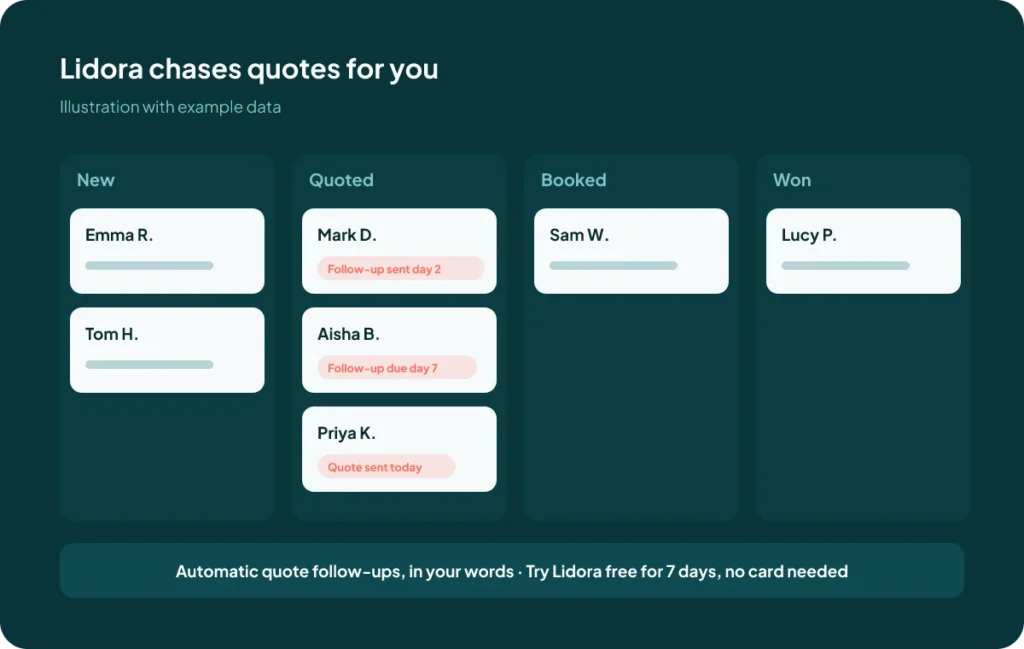
Lidora is the CRM made by NexGen Rank for local service businesses. It keeps every enquiry and quote in one pipeline and follows up for you:
- Automatic quote follow-ups, written in your words, so no quote is forgotten.
- One pipeline: New, Quoted, Booked and Won, so you can see every open quote at a glance.
- WhatsApp and text templates for quick, personal replies.
- Missed-call text-back (on the Growth and Pro plans) so new enquiries are not lost.
- Google review requests after every job you win.
Try Lidora CRM free for 7 days
No card needed. Add your open quotes, set up your follow-ups and see how many more jobs you win.
Need more quotes to follow up? Our local SEO and Google Ads services help local businesses get found, and Lidora helps make sure those enquiries turn into work. See how this works for home improvement and construction businesses.
Want more enquiries as well?
Tell us about your business and we will send you a free proposal for getting found on Google, plus how Lidora can help you win more of the quotes you send.
Frequently asked questions
How long should I wait to follow up on a quote?
About two days for a first check-in, then around a week later, and a final note after about two weeks. Allow longer for bigger jobs that take more time to decide.
How do I follow up on a quote without being pushy?
Keep it short and friendly, use the customer’s name and the job, offer something useful such as answering questions or holding a date, and stop after a final note.
What should I say when following up on a quote?
Something like: “Hi [name], just checking you received our quote for [job]. Happy to answer any questions.” Then, a week later, ask if they are still planning the work and offer a date.
Should I follow up by phone, email or text?
Use the channel the customer used to contact you. Many people prefer a text or WhatsApp message they can reply to when it suits them.
Can Lidora CRM follow up quotes automatically?
Yes. Lidora sends automatic quote follow-ups in your words, keeps every quote in one pipeline and can also send review requests after you win the job. You can try it free for 7 days with no card.