Markup Calculator UK
This free markup calculator shows your selling price, profit, markup and margin in one go, with VAT added if you need it. Enter what something costs you, then any one of markup, margin or price, and the rest fills in. Trades can use the second tab to price a whole job: materials with a markup, labour and extras.
- Free, no sign-up
- Works on your phone
- Nothing you type is stored
- Last checked 27 November 2026
Enter the cost, then any one of markup, margin or selling price. The rest fills in.
Selling price
£60.00
| Profit | £20.00 |
|---|---|
| Markup | 50.00% |
| Margin | 33.33% |
| VAT (20%) | £12.00 |
| Price with VAT | £72.00 |
Markup to margin chart
| Markup | Margin | Price of a £100 cost |
|---|---|---|
| 10% | 9.09% | £110.00 |
| 15% | 13.04% | £115.00 |
| 20% | 16.67% | £120.00 |
| 25% | 20.00% | £125.00 |
| 30% | 23.08% | £130.00 |
| 40% | 28.57% | £140.00 |
| 50% | 33.33% | £150.00 |
| 60% | 37.50% | £160.00 |
| 75% | 42.86% | £175.00 |
| 100% | 50.00% | £200.00 |
| 150% | 60.00% | £250.00 |
| 200% | 66.67% | £300.00 |
Price a job: materials with your markup, plus labour and any other costs.
Job price for your customer
£1,392.00
| Materials (with markup) | £540.00 |
|---|---|
| Labour | £560.00 |
| Other costs | £60.00 |
| Price before VAT | £1,160.00 |
| VAT (20%) | £232.00 |
| Profit on materials | £90.00 |
Not sure what hourly rate to use? Work it out with our hourly rate calculator.
Free to use. Everything is worked out in your browser: nothing you type is stored or sent anywhere.
In short
Markup is profit as a share of cost; margin is profit as a share of the selling price. Something that costs £40 and sells for £60 has a 50% markup but a 33.33% margin. To hit a target margin, divide cost by (1 − margin), so a 25% margin on £75 means selling at £100. Add VAT after your markup, not before.
How to use the markup calculator
- 1
Step 1
Enter your cost
What you pay for the item, material or service, before VAT.
- 2
Step 2
Add one more figure
Your markup %, the margin % you want, or a selling price you have in mind.
- 3
Step 3
Tick VAT if needed
See VAT at 20% and the price your customer pays.
- 4
Step 4
Price a full job
Trades: use the job price tab for materials, labour hours and extras.
How to calculate markup
Markup is how much you add on top of what something costs you, shown as a percentage of that cost. The markup calculator uses these formulas:
Markup % = (selling price − cost) ÷ cost × 100
Selling price = cost × (1 + markup ÷ 100)
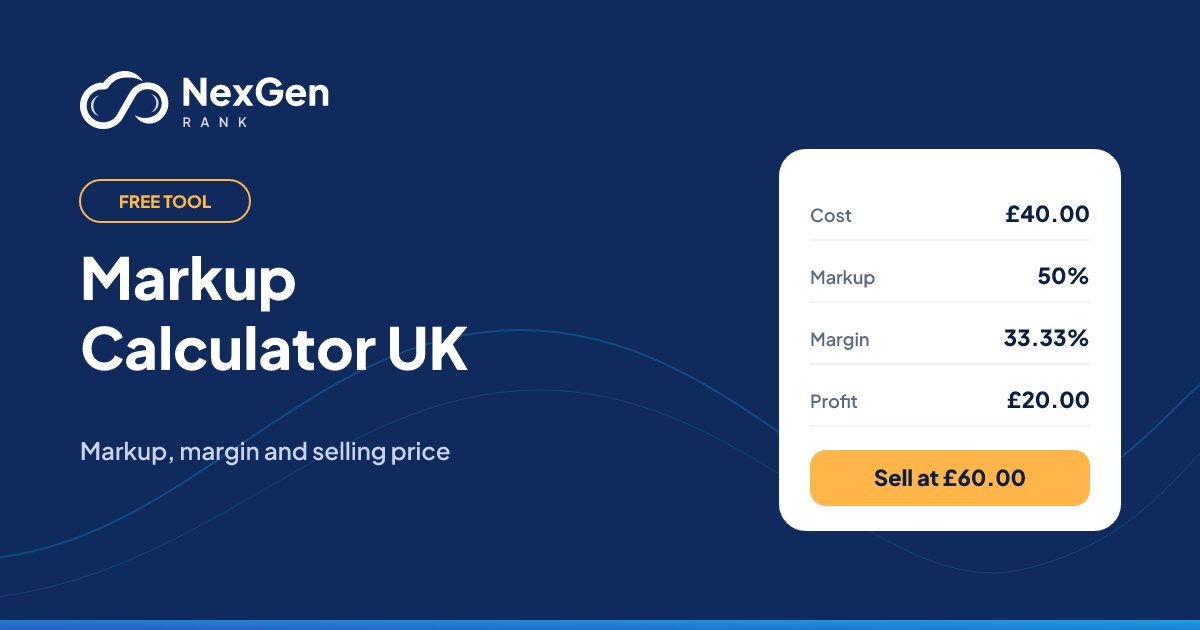
Worked example: you buy a part for £40 and want a 50% markup. £40 × 1.5 = £60 selling price, so your profit is £20. With VAT at 20% your customer pays £72. The calculator shows all of this the moment you type.
Already have a price in mind? Enter it instead, and the calculator works out the markup and margin for you. If the price is below cost, it warns you that you would make a loss.
Margin vs markup: what is the difference?
They use the same profit but divide it by different numbers, which is why they are so often mixed up. Markup divides profit by the cost. Margin (gross margin) divides profit by the selling price. Margin is always the smaller number.
Margin % = (selling price − cost) ÷ selling price × 100
In the £40 to £60 example, the £20 profit is 50% of the cost (markup) but 33.33% of the price (margin). Mixing them up is costly: if your accountant says you need a 50% margin and you add a 50% markup, you will only get 33.33%.
This margin to markup table shows the selling price for something that costs £100:
| Markup | Margin | Price for a £100 cost |
|---|---|---|
| 10% | 9.09% | £110.00 |
| 20% | 16.67% | £120.00 |
| 25% | 20% | £125.00 |
| 30% | 23.08% | £130.00 |
| 40% | 28.57% | £140.00 |
| 50% | 33.33% | £150.00 |
| 60% | 37.5% | £160.00 |
| 75% | 42.86% | £175.00 |
| 100% | 50% | £200.00 |
| 150% | 60% | £250.00 |
| 200% | 66.67% | £300.00 |
To turn a margin into a markup: markup = margin ÷ (100 − margin) × 100. A 25% margin needs a 33.33% markup, and a 50% margin needs a 100% markup.
How to calculate a selling price from markup or margin
From a markup percentage: multiply your cost by 1 plus the markup. A £250 cost with a 30% markup sells for £250 × 1.30 = £325.
From a target margin: divide your cost by 1 minus the margin. To make a 30% margin on the same £250, sell at £250 ÷ 0.70 = £357.14. That is £32.14 more than the 30% markup price, which shows why it matters which one you mean.
With VAT: if you are VAT registered, work out your price first, then add 20% VAT on top. VAT is not profit: you pass it on to HMRC. A £325 price becomes £390 including VAT. Businesses must register for VAT once taxable turnover goes over £90,000 in any 12 months.
Pricing a trade job: materials, labour and markup
Builders, electricians, plumbers, decorators and other trades usually price a job in three parts, and the job price tab does the same:
- Materials with a markup. Many trades add a markup to materials to cover collecting them, storing them, waste, returns and the cash they tie up until the customer pays. What markup you add is your call; the calculator shows its effect.
- Labour. Hours on the job × your hourly rate. Not sure what your rate should be? Work it out with our hourly rate calculator first.
- Other costs. Skip hire, parking, equipment hire, certificates or anything else you pay out for the job.
Worked example: £450 of materials with a 20% markup (£540), 16 hours of labour at £35 (£560) and £60 of other costs gives £1,160 before VAT, or £1,392 with VAT. The markup on materials adds £90 of profit on top of your labour.
Put the total in a written quote, list what is included, and follow up within a few days. Our guide on how to follow up on a quote has ready-made messages.
Tips for setting your markup
- Know all your costs. Include delivery, card fees, packaging and wastage in the cost you enter, or your real margin will be lower than it looks.
- Check your overheads are covered. Gross margin has to pay for rent, wages, insurance and marketing before any of it is profit.
- Use different markups for different things. Low-value, fast-selling items and specialist or one-off items rarely suit the same markup.
- Look at what customers compare. They compare your total price and your reviews, not your markup. Strong reviews and a clear website make a higher price easier to accept.
- Review prices when costs rise. If a supplier puts prices up 10% and your selling price stays the same, your margin shrinks every time you sell.
Markup calculator: common questions
How do I calculate markup?
Take the selling price, subtract the cost, divide by the cost and multiply by 100. A £60 price on a £40 cost is (£60 − £40) ÷ £40 × 100 = a 50% markup. The markup calculator at the top of this page does it instantly.
What is a 50% markup?
A 50% markup means adding half of the cost on top. Something that costs £40 sells for £60. That gives a profit of £20 and a margin of 33.33%.
How do I add a 30% markup?
Multiply the cost by 1.30. A £100 cost becomes £130, and a £250 cost becomes £325. The margin on a 30% markup is 23.08%.
Is markup the same as margin?
No. Markup is profit divided by cost; margin is profit divided by the selling price. The same £20 profit on a £40 cost and £60 price is a 50% markup but a 33.33% margin.
Why does a 100% markup give a 50% margin?
Doubling a £50 cost to £100 adds £50 profit. That profit is 100% of the cost (markup) but only 50% of the £100 price (margin).
Do I add VAT before or after the markup?
After. Work out your price from your cost (without VAT, if you are VAT registered and can reclaim it), then add 20% VAT on top for the customer. VAT is passed on to HMRC, so it is not part of your profit.
What is a good markup for a small business?
There is no single right figure. It depends on your industry, your overheads and what customers compare you with. Work out the margin you need to cover overheads and make a profit, then use the calculator to find the markup that gets you there.
About this tool
Made by NexGen Rank, a digital marketing agency that helps UK local businesses get found on Google and win more customers. We built it because our clients kept asking for these numbers and links, and the free versions online were full of sign-ups and adverts.
Last checked: 27 November 2026. Formulas checked with worked examples; VAT rate (20%) and registration threshold (£90,000) checked against GOV.UK.
Sources:
This markup calculator gives estimates to help you price. It is not tax or financial advice. Everything is worked out in your own browser: nothing you type is saved or sent to us.
More free tools for your business
- Hourly Rate Calculator UKConvert a salary to an hourly rate (and back), or work out what to charge per hour if you are self-employed.Use the free tool →
- Free QR Code GeneratorMake QR codes for links, WiFi, WhatsApp, contact cards, email and phone. Free, no sign-up, and they never expire.Use the free tool →
- WiFi QR Code GeneratorMake a QR code guests can scan to join your WiFi, and print a ready-made sign.Use the free tool →
- Google Review Link GeneratorGet your direct Google review link, a QR code and ready-to-send review request messages.Use the free tool →
Helpful guides and services
Add this free tool to your website
Run a trade body, a business club, a council page or a blog for small businesses? You are welcome to put this markup calculator on your site for free. Copy the code and paste it into any page. It stays up to date automatically and loads nothing from any other company.
Lidora CRM by NexGen Rank
Turn more of your leads into booked jobs
Lidora CRM keeps every enquiry in one place, texts back missed calls, chases quotes and asks for Google reviews, so the leads our marketing brings in do not slip away.
Want more enquiries to quote for? Get a free proposal

In a hurry? Call +92 320 443 0153 or book a free call.