In short
WhatsApp is often the quickest way to turn an enquiry into a booking, because customers can send photos and reply when it suits them. Use the free WhatsApp Business app for a business profile, quick replies and away messages, save templates for your most common replies, and keep every enquiry in one place so none are forgotten. Lidora CRM adds WhatsApp and text templates, automatic quote follow-ups and review requests, and you can try it free for 7 days with no card.
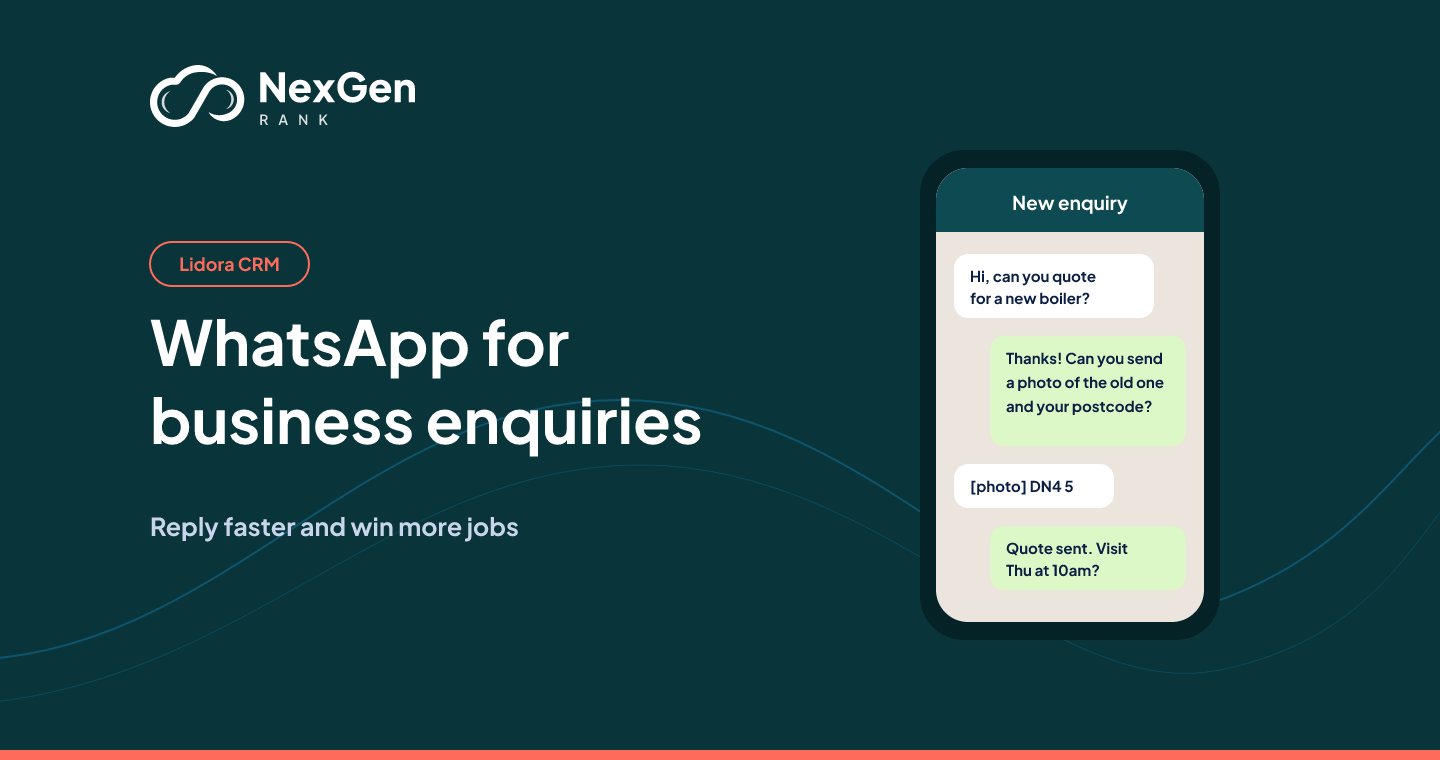
Phone calls are not dead, but many customers now prefer to message. They can send a photo of the leaking tap or the damaged roof tile, ask a quick question during their lunch break, and reply when it suits them. For local businesses, WhatsApp has quietly become one of the best ways to win work.
The catch: messages pile up, replies get slow, and enquiries get lost between chats with friends and family. Here is how to use WhatsApp properly for business.
Why WhatsApp works so well for local businesses
- Photos and videos: customers can show you the problem, so you can quote faster and turn up prepared.
- Convenience: people reply when they have a moment, not only during office hours.
- Speed: a quick, friendly reply often wins the job before competitors call back.
- A written record: addresses, times and what was agreed are all in one thread.
Set up WhatsApp Business properly
The free WhatsApp Business app is built for small businesses. If you are using your personal WhatsApp for work, switching is worth it. Set up:
- A business profile with your logo, description, address or service area, opening hours and website.
- A greeting message that new contacts receive automatically.
- An away message for evenings and weekends, saying when you will reply.
- Quick replies: saved messages you can send in a couple of taps for common questions.
- Labels such as “New enquiry”, “Quoted” and “Booked”, so you can see where each chat stands.
Then add a WhatsApp button or link to your website and Google Business Profile so customers can message you in one tap.
Reply in minutes, not hours
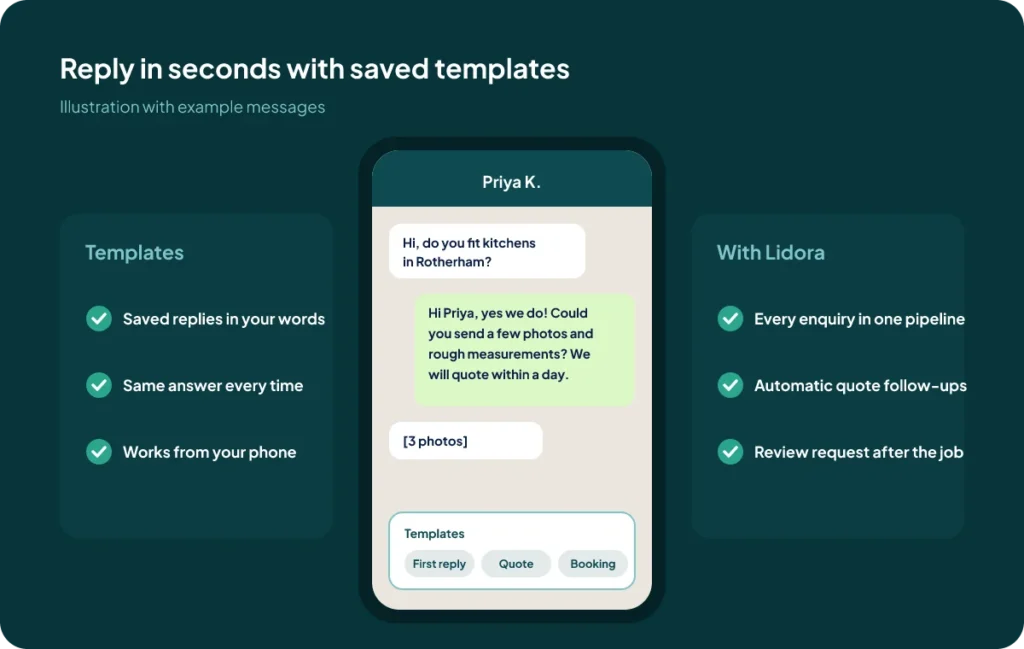
The first business to reply properly often wins the job. Saved templates make that easy, even when you are on site. A good first reply thanks the customer, asks for the details you need (postcode, photos, rough sizes) and says what happens next.
4 WhatsApp templates you can copy
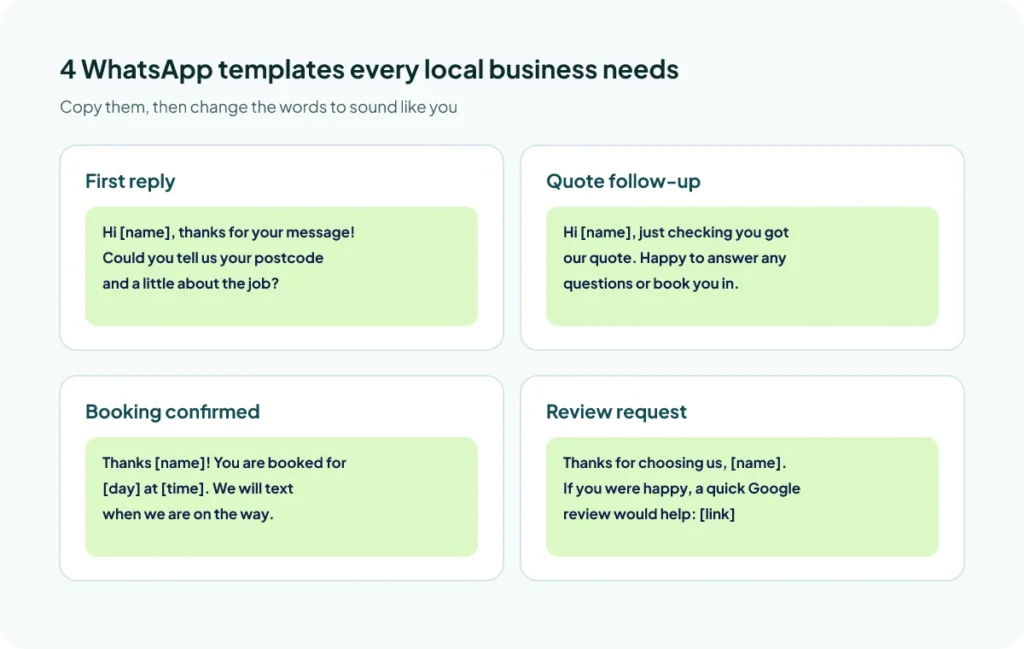
1. First reply
Hi [name], thanks for your message! Could you tell us your postcode and a little about the job? A couple of photos would help us quote quickly.
2. Quote follow-up
Hi [name], just checking you received our quote. Happy to answer any questions, or we can book you in. Thanks!
3. Booking confirmed
Thanks [name]! You are booked for [day] at [time]. We will message when we are on our way.
4. Review request
Thanks for choosing us, [name]. If you were happy with the job, a quick Google review would really help: [link]
For more on reviews, read how to get more Google reviews.
Keep it personal. Templates save time, but always add the customer’s name and a detail about their job. A reply that reads like a robot loses the warmth that makes WhatsApp work.
The problem: enquiries spread everywhere
WhatsApp is only one channel. Enquiries also arrive by phone, website forms, Facebook, email and directories. When each lives in a different app, some get forgotten, quotes are not chased, and nobody knows which leads are still open. Read how missed calls and slow replies cost local businesses jobs.
How Lidora CRM helps
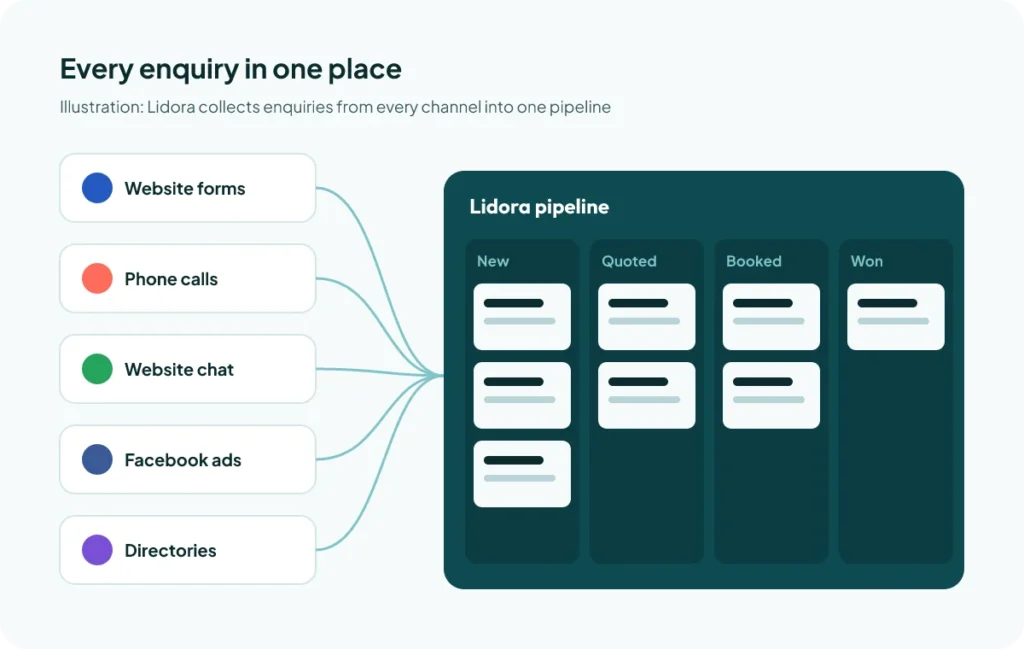
Lidora is the CRM made by NexGen Rank for local service businesses. It brings your enquiries together and helps you follow up every one:
- One pipeline for every enquiry: website forms, calls, Facebook ads and directory leads in one place, in columns such as New, Quoted, Booked and Won.
- WhatsApp and text templates: reply in seconds with saved messages written in your own words.
- Automatic quote follow-ups, so jobs do not drift away.
- Missed-call text-back, so callers you cannot answer still hear from you (on the Growth and Pro plans).
- Google review requests after every job.
- Booking forms, a calendar and a website chat box (chat on the Growth and Pro plans).
Try Lidora CRM free for 7 days
No card needed. Set up your templates and pipeline, and see how many more enquiries you turn into jobs.
More enquiries to reply to
Fast replies win jobs, but you need enquiries coming in first. That is where our local SEO, SEO and Google Ads come in. Together with Lidora, they make one system: get found, reply fast, win the job and earn the review.
Want more enquiries as well?
Tell us about your business and we will send you a free proposal for getting found on Google, plus how Lidora can help you keep every lead.
Frequently asked questions
Is WhatsApp Business free?
Yes, the WhatsApp Business app is free to download and use for chatting with customers. It adds a business profile, greeting and away messages, quick replies and labels.
Can I use my personal WhatsApp for business?
You can, but the WhatsApp Business app is better suited: it keeps a business profile, saved replies and labels, and separates work chats from personal ones.
What should my first WhatsApp reply to an enquiry say?
Thank the customer by name, ask for the details you need such as postcode and photos, and say what happens next and when. Keep it short and friendly.
How quickly should I reply to a WhatsApp enquiry?
As quickly as you can, ideally within minutes during working hours. Customers often contact several businesses, and the first good reply frequently wins the job.
How does Lidora CRM help with enquiries?
Lidora keeps enquiries from your website, calls, Facebook ads and directories in one pipeline, lets you reply with WhatsApp and text templates, follows up quotes automatically and sends review requests. You can try it free for 7 days with no card.