In short
The businesses with the most reviews are rarely the ones with the happiest customers. They are the ones that ask every customer, every time, with one simple link. Send your Google review link soon after each job, make it one tap, and reply to every review. Never pay for reviews, offer discounts for them, only ask happy customers, or write them yourself: Google forbids it and, since April 2025, UK law bans fake and hidden incentivised reviews.
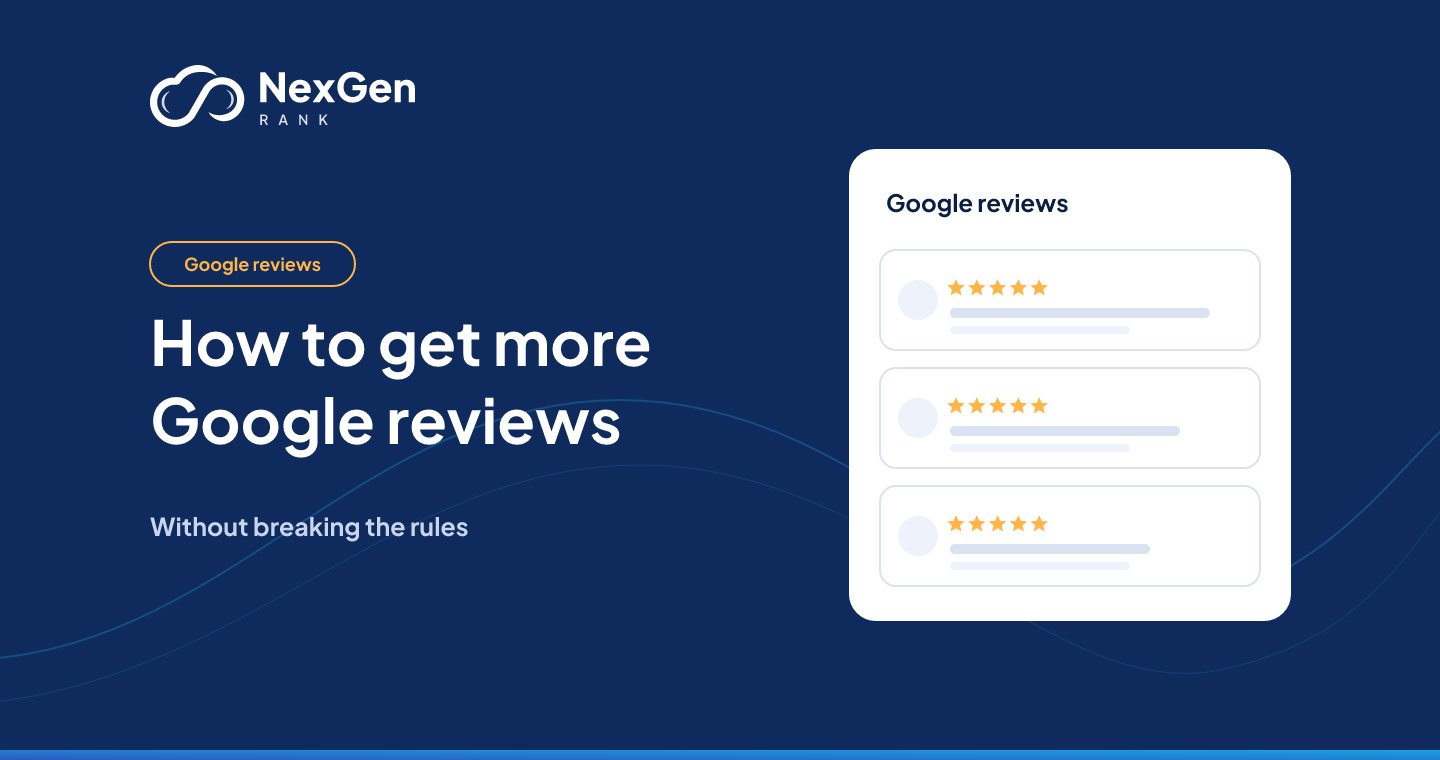
When someone searches for a local business, reviews are often what decides who they call. Google also says reviews are part of how it judges how well known a business is, which affects where you appear in the map results.
Most owners know reviews matter. The hard part is getting them steadily without feeling pushy, and without breaking any rules. Here is the routine we recommend to our clients.
Why Google reviews matter so much
- Trust: people compare the star rating and the number of reviews before they call anyone.
- Rankings: Google lists reviews and ratings as part of “prominence”, one of its three main local ranking factors.
- Clicks: a profile with recent, detailed reviews stands out against one with a handful of old ones.
- Feedback: reviews tell you what customers value, and what to fix.
A simple review routine that works
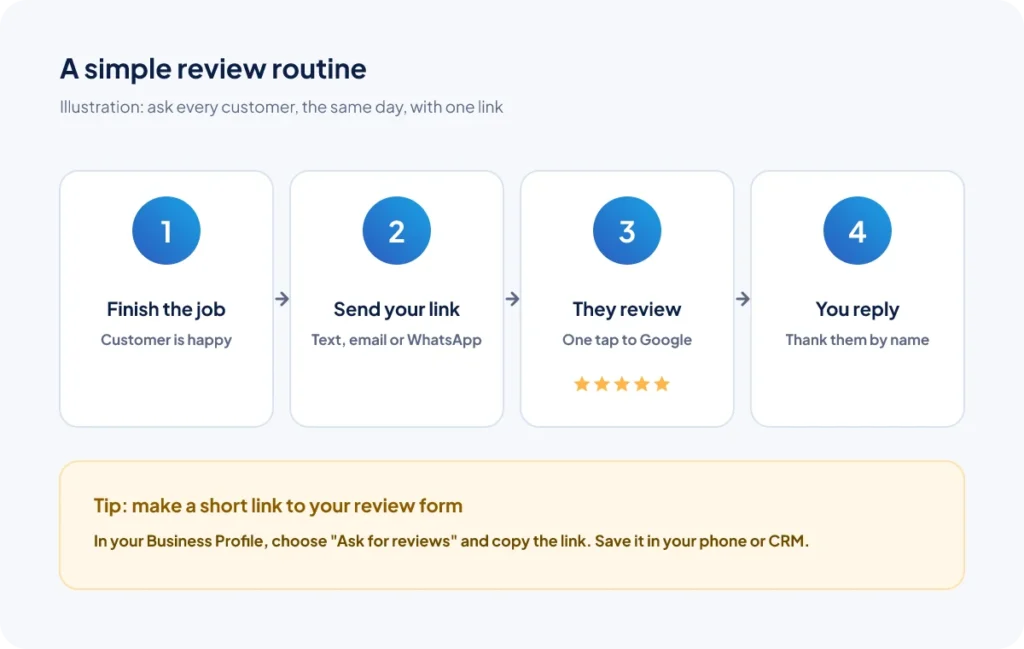
- Get your review link. Sign in to your Google Business Profile and choose “Ask for reviews” (or “Get more reviews”). Copy the link. It takes customers straight to the review box.
- Ask at the right moment. The best time is just after the job is finished and the customer is pleased: when you hand over the keys, finish the treatment or fix the leak.
- Ask in person, then send the link. “Would you mind leaving us a quick Google review? I will text you the link now.” People say yes far more often when you ask face to face.
- Make it one tap. Send the link by text, email or WhatsApp within an hour or two. The fewer steps, the more reviews you get.
- Send one gentle reminder. If nothing comes after a few days, one friendly nudge is fine. More than that starts to annoy.
- Reply to every review. Google recommends it, and future customers read your replies.
Make it a habit, not a campaign. Ten reviews this week and then nothing for six months looks odd to customers and does little for rankings. A steady flow of new reviews every month is far better.
More easy ways to get reviews
- Add the link to your email signature, invoices and receipts.
- Put a small card or QR code at your till, reception or in your van.
- Thank customers by name in your reply, so others see you notice.
- Train your team to ask. The person who did the job is usually the best person to ask.
- Use a CRM to send the request automatically after every job, so nobody has to remember.
What Google and UK law do not allow
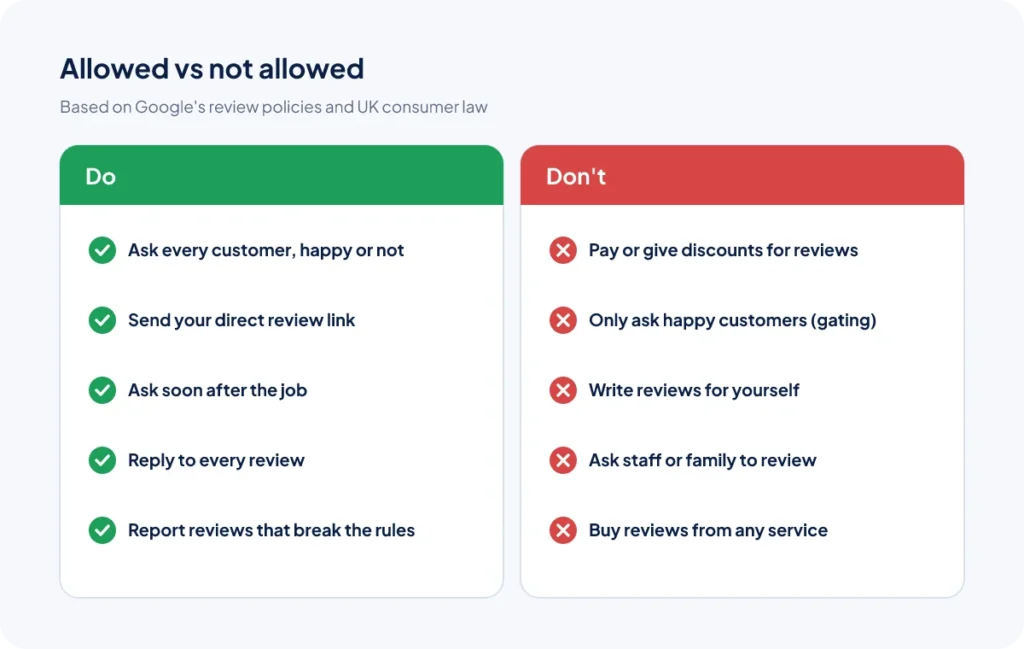
Google’s review policies are clear, and breaking them can get reviews removed or your profile restricted. Do not:
- Offer anything in return. No discounts, free gifts or prize draws for reviews.
- Only ask happy customers. Google does not allow you to selectively ask for positive reviews or discourage negative ones (sometimes called “review gating”).
- Write reviews yourself, or ask staff, friends or family to review you.
- Buy reviews from any service, however “safe” they say it is.
In the UK, the Digital Markets, Competition and Consumers Act 2024 also made fake reviews, and incentivised reviews that are not clearly disclosed, unlawful from 6 April 2025. The Competition and Markets Authority (CMA) has published guidance for businesses and can now fine companies directly. In short: genuine reviews only.
How to reply to reviews
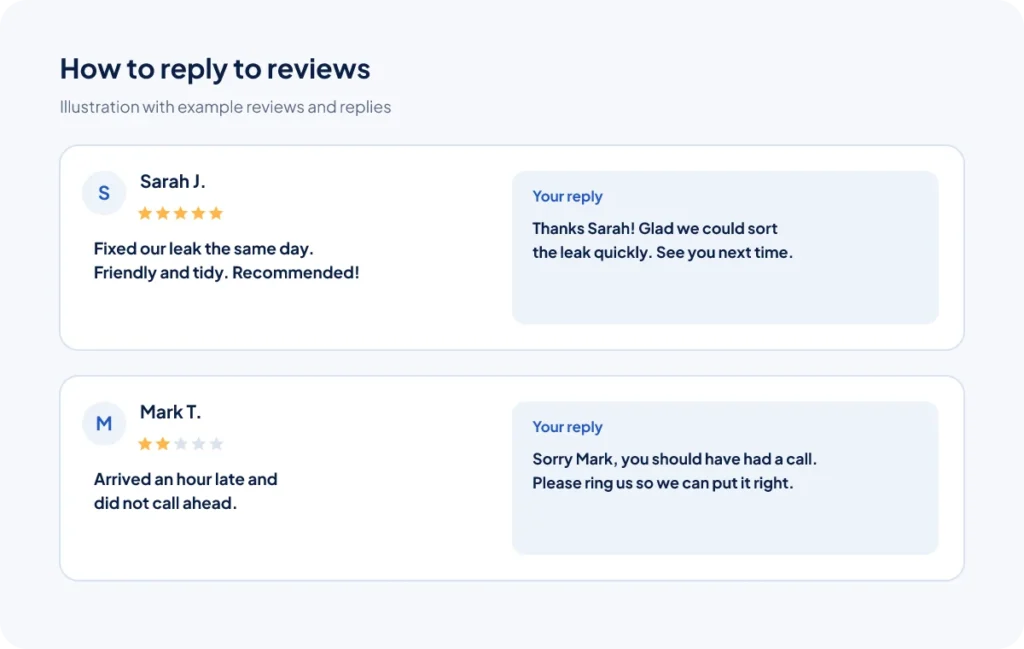
Good reviews
Thank the customer by name, mention the job if you can, and keep it short. “Thanks Sarah! Glad we could sort the leak so quickly.” Avoid copying the same reply every time.
Bad reviews
- Do not reply in anger. Wait until you are calm.
- Acknowledge the problem and apologise for their experience.
- Take it offline: give a name and number so you can put it right.
- Keep it short. Future customers judge you on how you handle problems.
If a review breaks Google’s rules (spam, offensive content, or someone who was never a customer), you can report it from your Business Profile.
How reviews fit into local SEO
Reviews are one part of the picture. Your categories, services, photos, website and business details all matter too. Our 25-step local SEO checklist covers the rest, and if your profile is not appearing at all, see why your Google Business Profile is not showing.
Our local SEO service includes setting up a review routine for you. And if you would rather not think about it at all, Lidora CRM sends a Google review request after every job automatically.
Want more reviews and more calls?
We will look at your Google Business Profile and your competitors’ reviews, and send you a free proposal with a plan to grow both.
Frequently asked questions
How do I get my Google review link?
Sign in to your Google Business Profile, choose “Ask for reviews” or “Get more reviews”, and copy the link. Send it to customers by text, email or WhatsApp so they can review you in one tap.
Can I offer a discount for a Google review?
No. Google does not allow incentives of any kind for reviews, and in the UK, incentivised reviews that are not clearly disclosed are unlawful under consumer law since April 2025.
Can I only ask happy customers for reviews?
No. Google’s policies do not allow you to selectively ask for positive reviews or to discourage negative ones. Ask every customer.
Should I reply to every Google review?
Yes. Google recommends replying to reviews, and customers read the replies. Thank people for good reviews and respond calmly and helpfully to bad ones.
Can I remove a bad Google review?
Only if it breaks Google’s rules, for example spam, offensive content or a review from someone who was never a customer. You can report it from your Business Profile. Otherwise, reply politely and offer to put things right.