In short
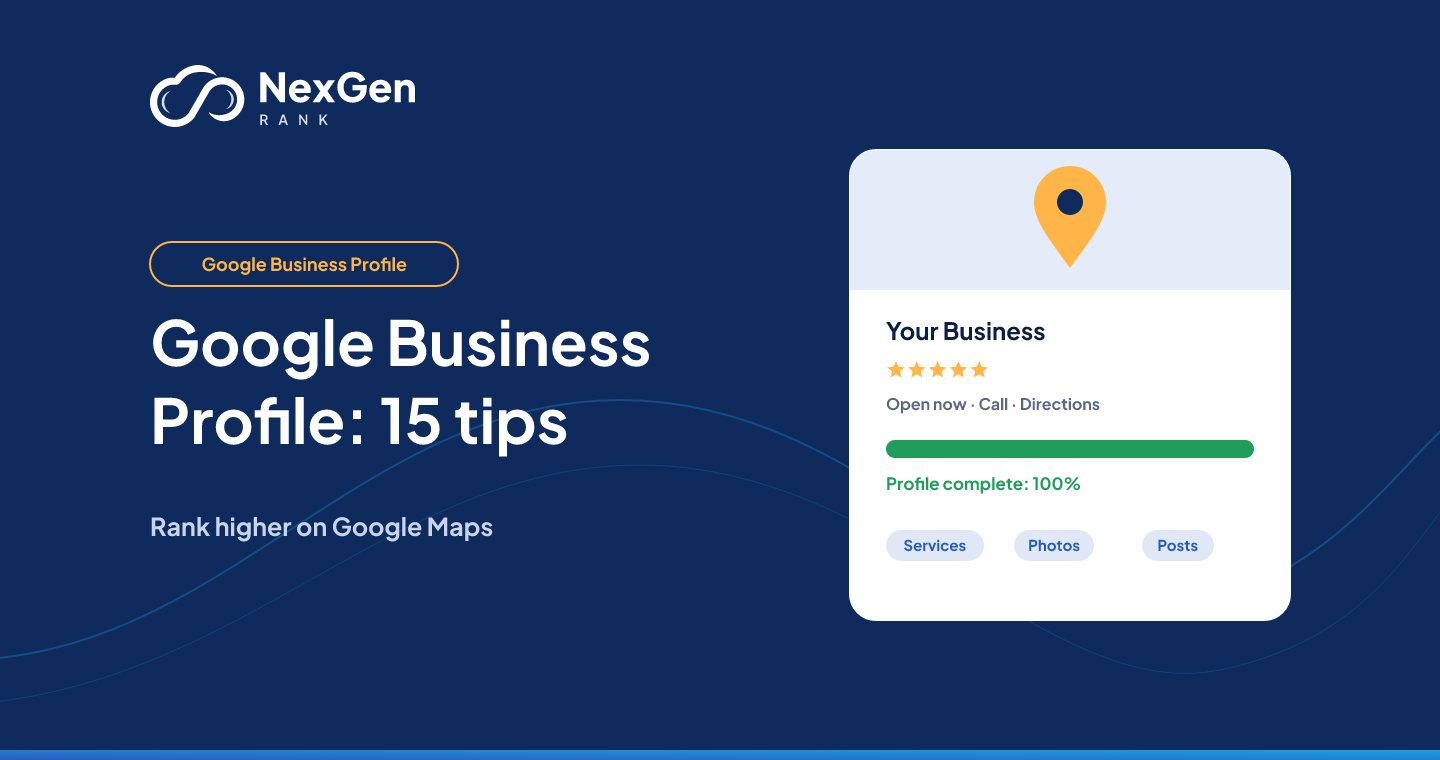
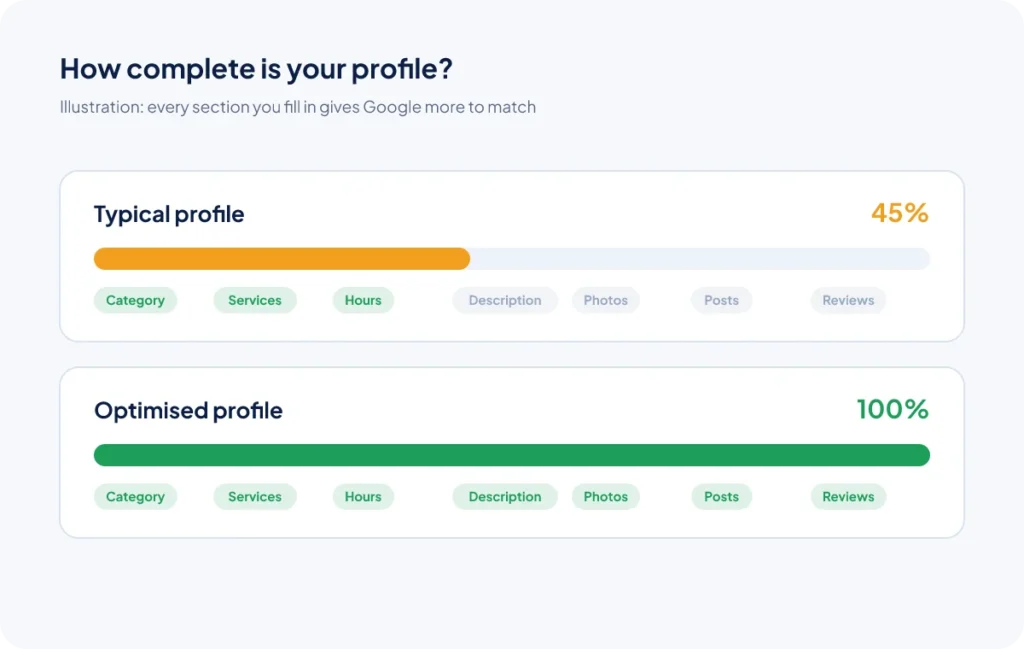
To optimise your Google Business Profile: verify it, choose the most specific main category, fill in every section (services, hours, description, attributes), add real photos regularly, collect and reply to reviews, post updates, and make sure your details match your website. Then keep it fresh with a 15-minute weekly routine. Google says complete, accurate profiles are easier to match to searches.
For most local businesses, the Google Business Profile is the most valuable free marketing tool there is. It is what appears in the map results and on the right of Google when someone searches your name. Yet many profiles are half-finished and never updated.
Google itself says that complete and accurate information helps it match your profile to the right searches. Here are 15 tips to get yours working properly.
The basics (tips 1 to 5)
1. Verify your profile
Google says verified businesses are more likely to show in results. If you see a “Get verified” message, follow the steps Google offers.
2. Use your real business name
Use the name on your signs, van and paperwork. Adding keywords or towns that are not part of your real name breaks Google’s guidelines and is a common reason for suspensions.
3. Choose the most specific main category
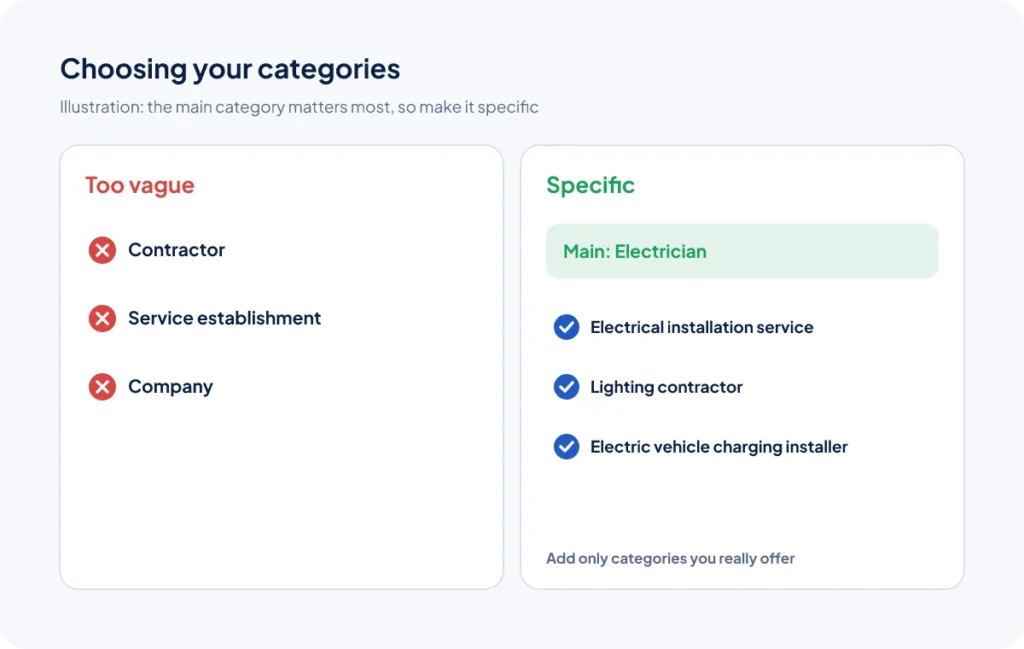
Your main category is one of the strongest signals you control. Pick the one that describes your core service as precisely as possible, then add a few secondary categories for other things you really do.
4. Get your address or service area right
If customers visit you, show your address. If you go to them, hide it and set a service area covering the towns you serve.
5. Keep hours and contact details accurate
Add your opening hours, special hours for bank holidays, your phone number and website. Wrong hours lead to frustrated customers and poor reviews.
Fill in every section (tips 6 to 10)
6. List all your services
Add each service you offer, with a short plain-English description. This helps Google show you for more specific searches.
7. Write a helpful description
You have up to 750 characters. Say what you do, who for, where, and what makes you different. Write for customers, not search engines.
8. Add attributes
Attributes such as wheelchair access, free Wi-Fi, online appointments or women-led help customers choose you. Add every one that genuinely applies.
9. Add products if you sell them
Even service businesses can use the products section to show packages or popular jobs with photos.
10. Link to the right page
Link your profile to the most relevant page on your website: usually your home page, or the page for that location if you have several. Make sure your name, address and phone number match that page exactly.
Keep it active (tips 11 to 15)
11. Add real photos regularly
Google lists photos and videos as a way to improve your profile. Add photos of your team, premises, vehicles and finished work. Real photos build far more trust than stock images.
12. Collect reviews steadily
Ask every customer for a review, using your review link. See our guide to getting more Google reviews the right way.
13. Reply to every review
Google recommends it, and customers read your replies. Thank people for good reviews and respond calmly to bad ones.
14. Post updates
Share recent jobs, offers, events and news. Updates keep your profile looking active and give customers more reasons to choose you.
15. Check your profile every month
Anyone can suggest edits to your profile, and Google sometimes changes details. Check your hours, categories and contact details each month, and look at the performance figures to see calls, website clicks and direction requests.
A 15-minute weekly routine
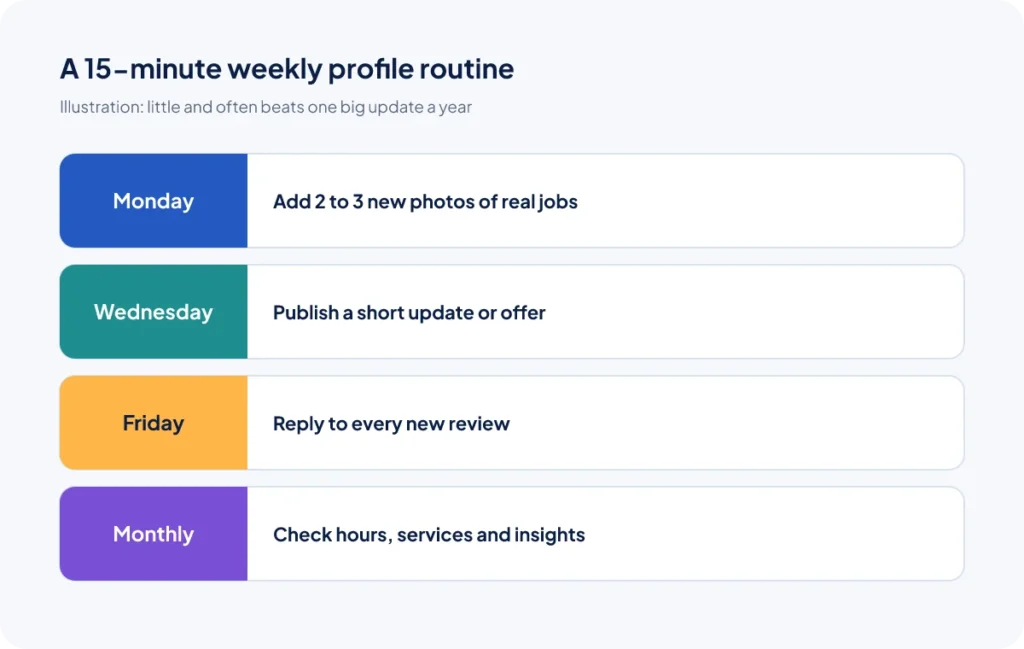
The best profiles are not perfect on day one; they are kept up week after week. Block out 15 minutes a week: add a few photos, publish one update, reply to new reviews, and do a fuller check once a month.
What not to do: keyword-stuffed names, fake addresses, virtual offices, buying reviews or creating extra profiles for areas you do not have staffed premises in. These can get your profile suspended, which takes far longer to fix than doing it properly.
Optimisation is only half of local SEO
A great profile needs a website that backs it up: a page for each service and the main areas you serve, with matching details. Our 25-step local SEO checklist covers the full picture, and if you cover several towns, read local SEO for multiple locations. If your profile is not appearing at all, see why your Business Profile is not showing.
Our local SEO service sets up and manages Business Profiles for businesses across the UK, including Doncaster, Newcastle and Southampton.
Want a free profile check?
We will review your Google Business Profile against your top local competitors and send you a free proposal showing exactly what to improve.
Frequently asked questions
How do I optimise my Google Business Profile?
Verify it, choose the most specific main category, fill in every section including services, hours and description, add real photos regularly, collect and reply to reviews, post updates, and keep your details matching your website.
How often should I update my Google Business Profile?
A little every week works best: a few new photos, an update and replies to new reviews. Check your hours, categories and contact details at least once a month.
Can I add keywords to my business name on Google?
No. Your name on Google should match your real business name. Adding keywords breaks Google’s guidelines and can lead to suspension.
How long is the Google Business Profile description?
You can use up to 750 characters. Use it to say what you do, who you help, where you work and what makes you different.
Do photos help my Google Business Profile rank?
Google lists adding photos and videos as a way to improve your profile, and real photos help customers choose you. Add them regularly.