In short
If you have staffed premises in several places, each one can have its own Google Business Profile and its own page on your website. If you travel to customers, keep one profile with a service area and create a genuinely useful page for each main town, with local detail, local jobs and local reviews. Link them all from one “areas we cover” hub. Copied pages with only the town name changed, and fake addresses, do more harm than good.
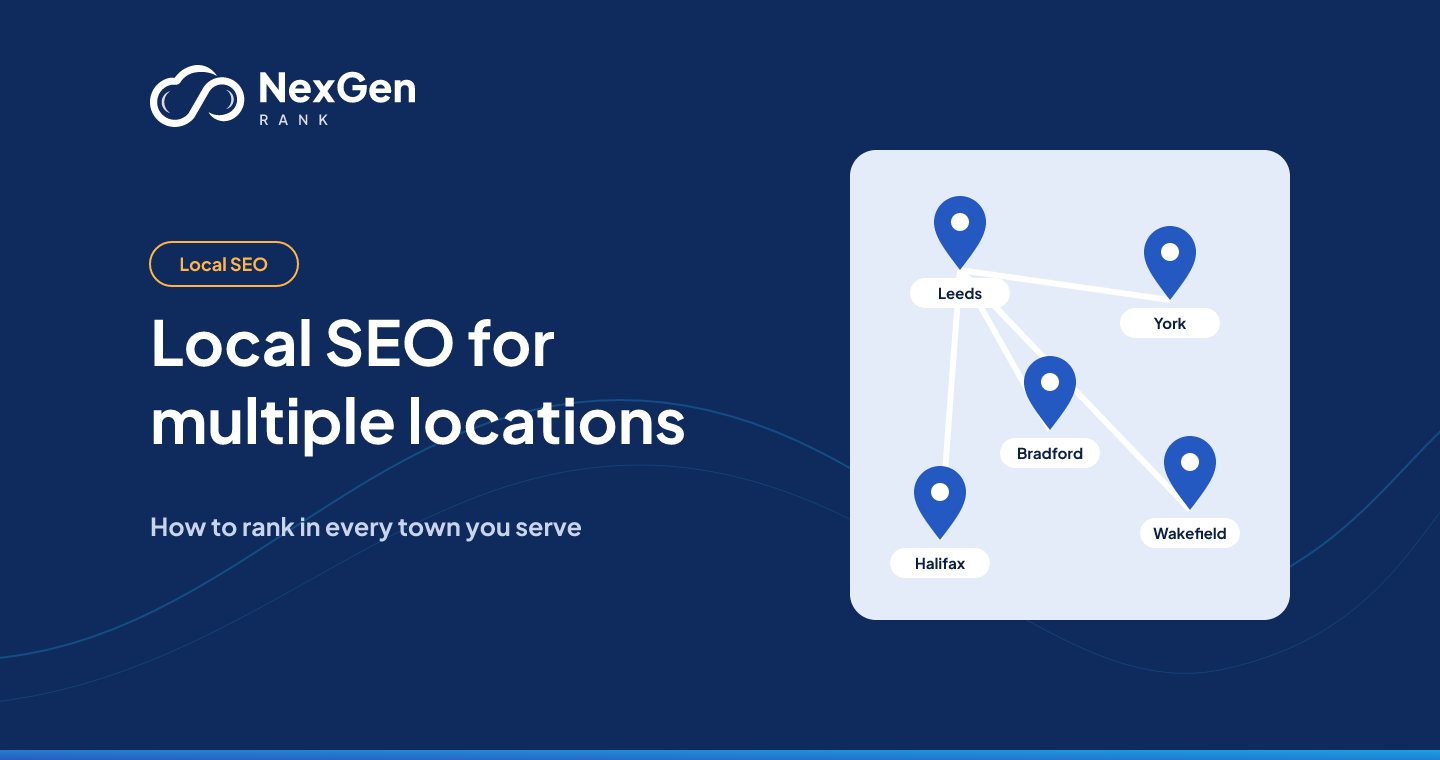
Ranking in the town where you are based is one thing. Showing up in the next town, and the one after that, is harder. Google’s local results lean heavily on distance, so a business based in Leeds will naturally find it easier to appear for searches in Leeds than in Wakefield.
The good news: with the right setup you can compete in every place you genuinely serve. Here is how.
Step 1: Decide how many Business Profiles you need
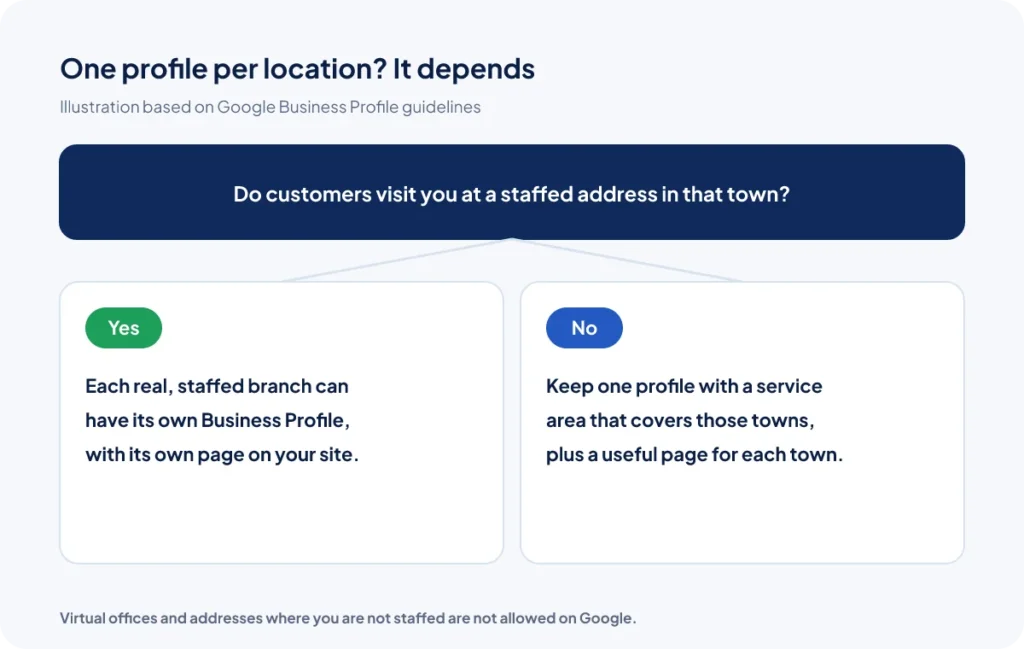
This is the most important rule, and the one most often broken. Google’s guidelines say a Business Profile should represent a real location where you serve customers in person, or a service-area business that travels to them.
- Several staffed branches (for example, offices or shops that customers visit): each branch can have its own profile, with its own address, phone number and opening hours.
- One base, many towns (for example, a plumber covering a region): keep one profile, hide your address and set a service area that covers the towns you serve.
Creating profiles at virtual offices, a friend’s address or a mailbox to “appear” in more towns is against Google’s rules and a common cause of suspensions.
Step 2: Build a page for each town you serve
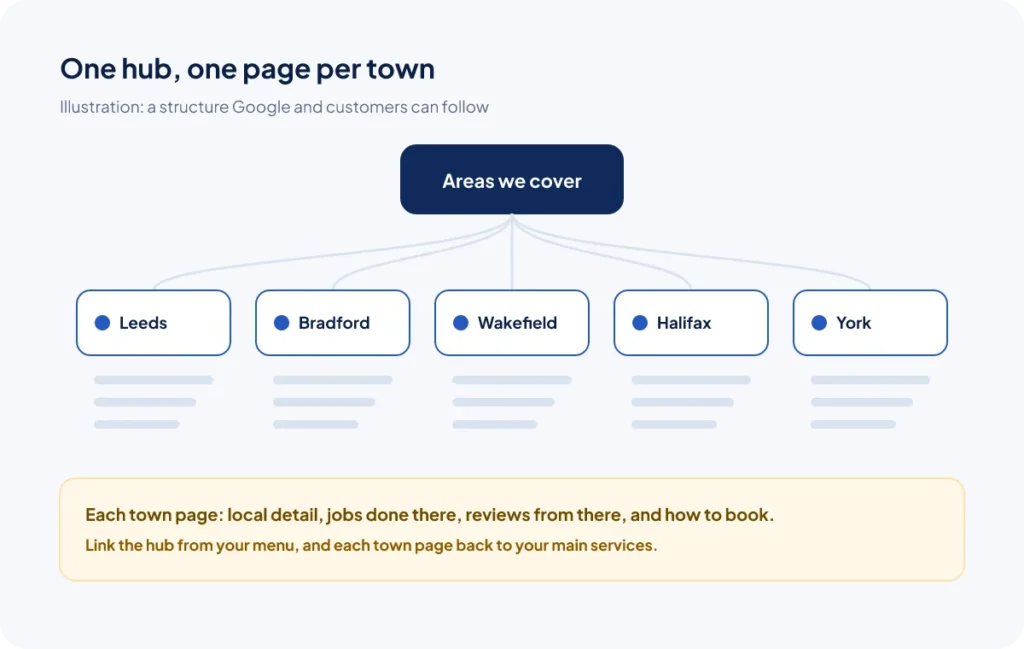
Your website is where you can show Google, and customers, that you really work in each place. Create an “Areas we cover” hub page that links to a page for each main town, and link each town page back to your main service pages.
Step 3: Make every location page genuinely unique
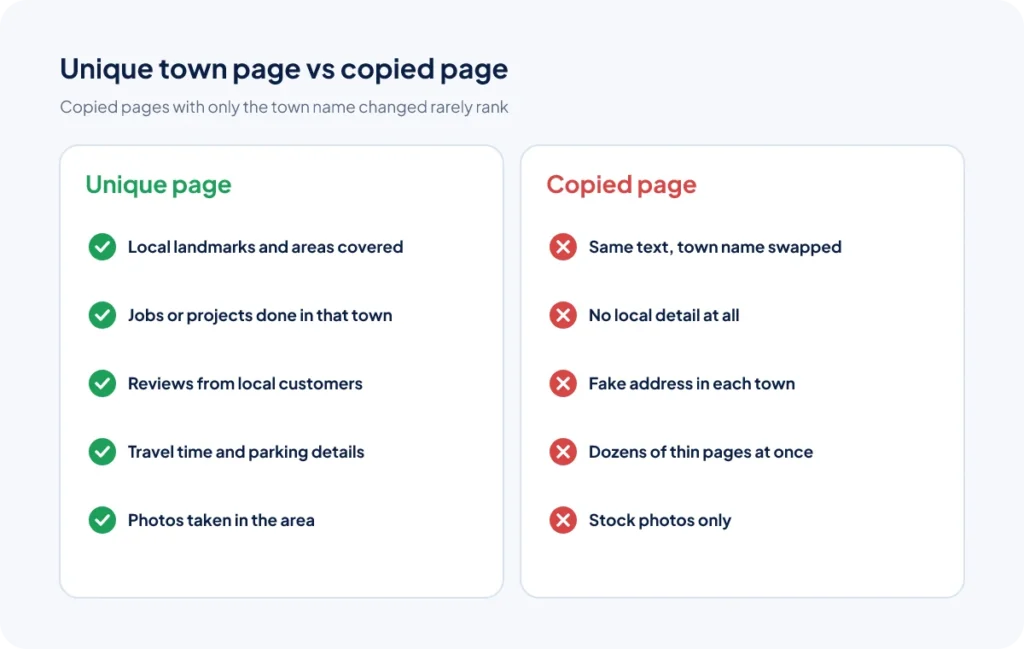
The fastest way to waste your effort is to copy one page twenty times and change the town name. Google tends to ignore pages like that. Instead, give each page real local detail:
- The areas and postcodes you cover around that town.
- Jobs or projects you have done there, with photos.
- Reviews from customers in that town.
- How quickly you can get there, parking or access notes, local landmarks.
- Answers to questions customers in that area ask.
If you have a branch there, add its address, phone number, opening hours and a map, matching its Business Profile exactly.
Step 4: Earn local signals in each place
- Reviews: ask customers in each town to review you. Reviews that mention the job and area help customers choose you.
- Local links and mentions: local directories, chambers of commerce, sponsorships, suppliers and local news in each area.
- Consistent details: each branch’s name, address and phone number the same everywhere.
Step 5: Track each location separately
Look at calls, forms and rankings for each town. Some areas will respond faster than others; put more effort into the places that bring the best work.
Start with your best towns. It is better to have five excellent location pages than fifty thin ones. Add more as you collect jobs, photos and reviews from each area.
How we do it
You can see this approach on our own site: we have an areas we cover hub for the UK and another for the USA, with a separate page for places such as Doncaster, Bradford, Huddersfield and Yorkshire, each written for that place.
Our local SEO service plans and writes location pages for businesses that cover several towns, and our content writing team makes sure each one is genuinely useful. For the profile side, see our 15 Google Business Profile tips.
Want to rank in more towns?
Tell us which areas you cover and we will send you a free proposal showing which towns to target first and how.
Frequently asked questions
Can I have a Google Business Profile for every town I serve?
Only for towns where you have a real, staffed location that customers can visit or that serves them in person. If you travel to customers, use one profile with a service area and create a page on your website for each main town.
Do location pages still work for SEO?
Yes, when each page is genuinely useful and specific to that place. Pages copied with only the town name changed rarely rank and can make your whole site look thin.
How many location pages should I create?
Start with the towns that bring you the most and best work, and make those pages excellent. Add more as you build up local jobs, photos and reviews for each area.
Can I use a virtual office to rank in another town?
No. Google does not allow virtual offices or addresses where you are not staffed. Using them is a common reason for profile suspensions.
How do I rank in a town I do not have an office in?
Set your service area to include it, create a useful page about your work there, collect reviews from customers in that town, and earn local links and mentions. Distance still matters, so expect it to take longer than your home town.