In short
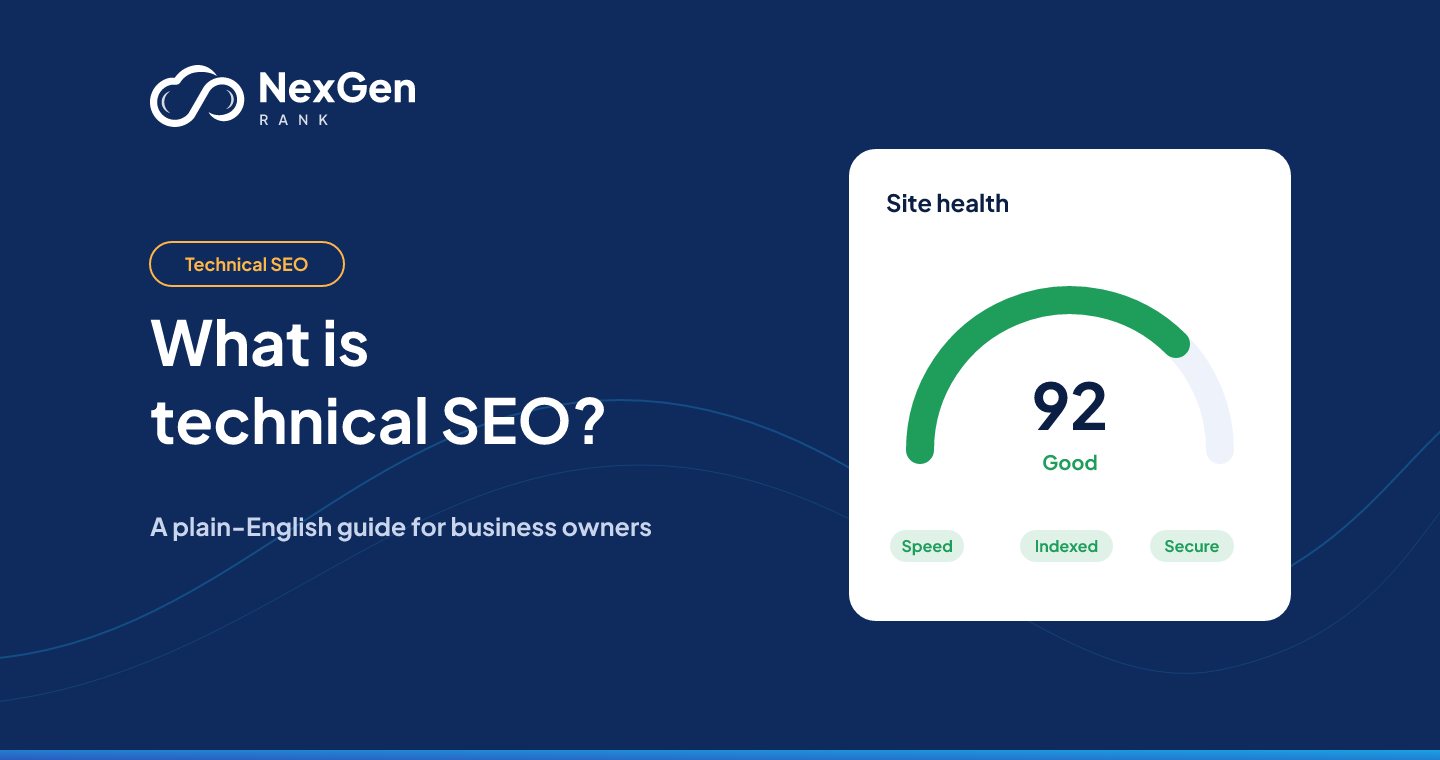
Technical SEO is the behind-the-scenes work that lets Google find your pages (crawling), store them (indexing) and show them happily (speed, mobile use, security and clear structure). Great content cannot rank if Google cannot reach it or the page is painfully slow. Start with Google Search Console’s page indexing report and PageSpeed Insights.
When people think of SEO, they usually think of keywords and content. But before any of that can work, Google has to be able to reach your pages, understand them and load them quickly. That foundation is called technical SEO.
You do not need to be a developer to understand it. Here is what it covers, in plain English.
How a page gets into Google
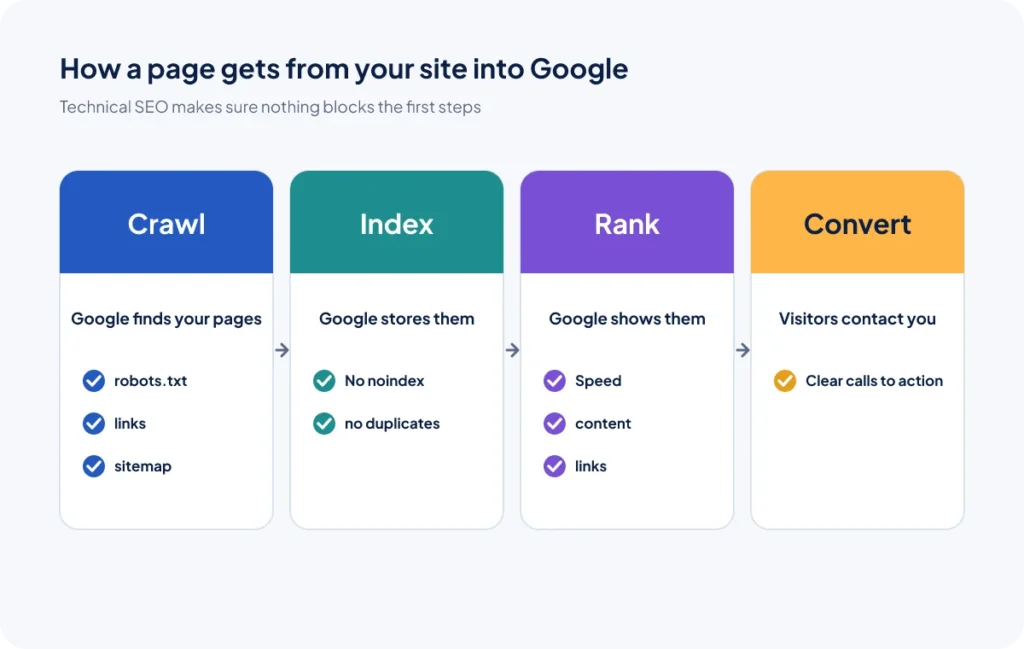
- Crawl: Google’s crawler (Googlebot) finds your pages by following links and reading your sitemap.
- Index: Google decides whether to store each page in its index. Pages that are blocked, duplicated or marked “noindex” may be left out.
- Rank: when someone searches, Google chooses which indexed pages to show, using many signals, including content, links and page experience.
- Convert: the visitor lands on your page and, ideally, contacts you.
Technical SEO is mostly about steps one and two, plus the speed and usability that affect the rest.
What technical SEO covers
Crawling: can Google reach your pages?
- robots.txt: a small file that tells crawlers which parts of your site to avoid. One wrong line can hide your whole site.
- XML sitemap: a list of your important pages, submitted in Google Search Console.
- Internal links: pages with no links pointing to them are hard for Google to find.
Indexing: does Google keep your pages?
- Noindex tags: useful for thank-you pages, harmful if left on important pages by mistake.
- Duplicate pages: several versions of the same page confuse Google. Canonical tags tell it which one to use.
- Broken pages: 404 errors waste visits and links.
- Redirects: old addresses should point straight to the new ones, without long chains.
Speed and Core Web Vitals
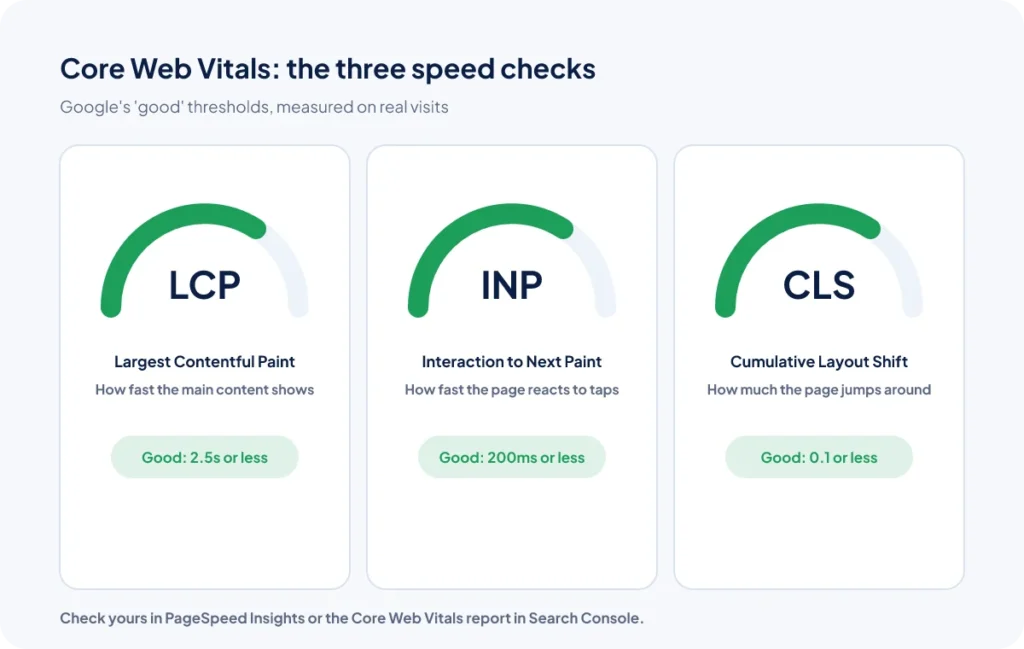
Core Web Vitals are Google’s measures of how a page feels to real visitors:
| Measure | What it checks | Good |
|---|---|---|
| LCP (Largest Contentful Paint) | How quickly the main content appears | 2.5 seconds or less |
| INP (Interaction to Next Paint) | How quickly the page responds to taps and clicks | 200 milliseconds or less |
| CLS (Cumulative Layout Shift) | How much the page jumps around while loading | 0.1 or less |
Fast pages also turn more visitors into enquiries, which matters as much as rankings.
Mobile friendliness
Google mainly uses the mobile version of your site for indexing and ranking. Your site must work properly on a phone.
Security (HTTPS)
Every page should load over HTTPS with the padlock. Browsers warn visitors about sites that do not.
Structured data (schema)
Code that labels your business type, address, opening hours, services, reviews and FAQs, so search engines (and AI tools) read them correctly. See how this helps with AI search.
Site structure
A clear structure, such as home, then services, then individual service and area pages, helps Google understand what is important and helps visitors find what they need.
A simple technical SEO checklist
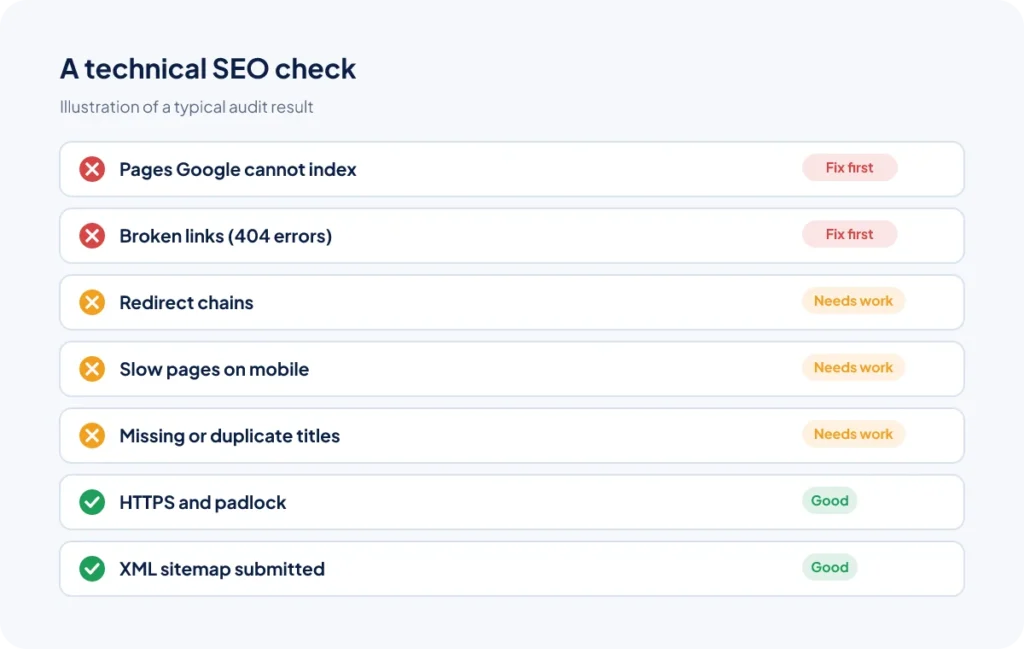
- Add your site to Google Search Console and submit your sitemap.
- Open the Page indexing report and check why any important pages are not indexed.
- Run your main pages through PageSpeed Insights and note the mobile Core Web Vitals.
- Check every page loads over HTTPS.
- Look for broken links and fix or redirect them.
- Make sure each page has a unique title and description.
- Check your robots.txt is not blocking anything important.
- Add LocalBusiness schema if you serve a local area.
The most common problem we find: an old staging or test setting left switched on, such as “Discourage search engines from indexing this site” in WordPress, or a noindex tag on key pages. It takes seconds to fix and can be the reason a site gets no search traffic at all.
When to get help
Some technical fixes are simple. Others, such as site moves, redirects, speed work and duplicate content, are easy to get wrong. If your traffic dropped after a redesign, or pages simply will not index, a professional check saves a lot of guesswork.
Our technical SEO service and SEO audits find and fix these problems, and our web design builds new sites with technical SEO done properly from the start. Wondering if your site is past saving? See 10 signs you need a new website.
Is something holding your site back?
We will check how Google crawls, indexes and loads your website, and send you a free proposal listing what to fix first.
Frequently asked questions
What is technical SEO in simple terms?
It is the work that makes sure search engines can find, read, store and load your website properly: crawling, indexing, speed, mobile use, security, structure and schema.
What is the difference between technical SEO and on-page SEO?
Technical SEO deals with how your site works for search engines, such as indexing and speed. On-page SEO deals with the content of each page, such as headings, text and titles. Both are needed.
What are good Core Web Vitals scores?
Google rates LCP of 2.5 seconds or less, INP of 200 milliseconds or less and CLS of 0.1 or less as good, measured on real visits.
How do I know if Google has indexed my pages?
Use the Page indexing report in Google Search Console, or inspect a single address with the URL Inspection tool. It tells you whether the page is indexed and, if not, why.
How often should I check technical SEO?
A quick look at Search Console each month catches most problems. A fuller technical audit once or twice a year, and after any redesign or site move, is a good habit.